Browse
Explore your collection.
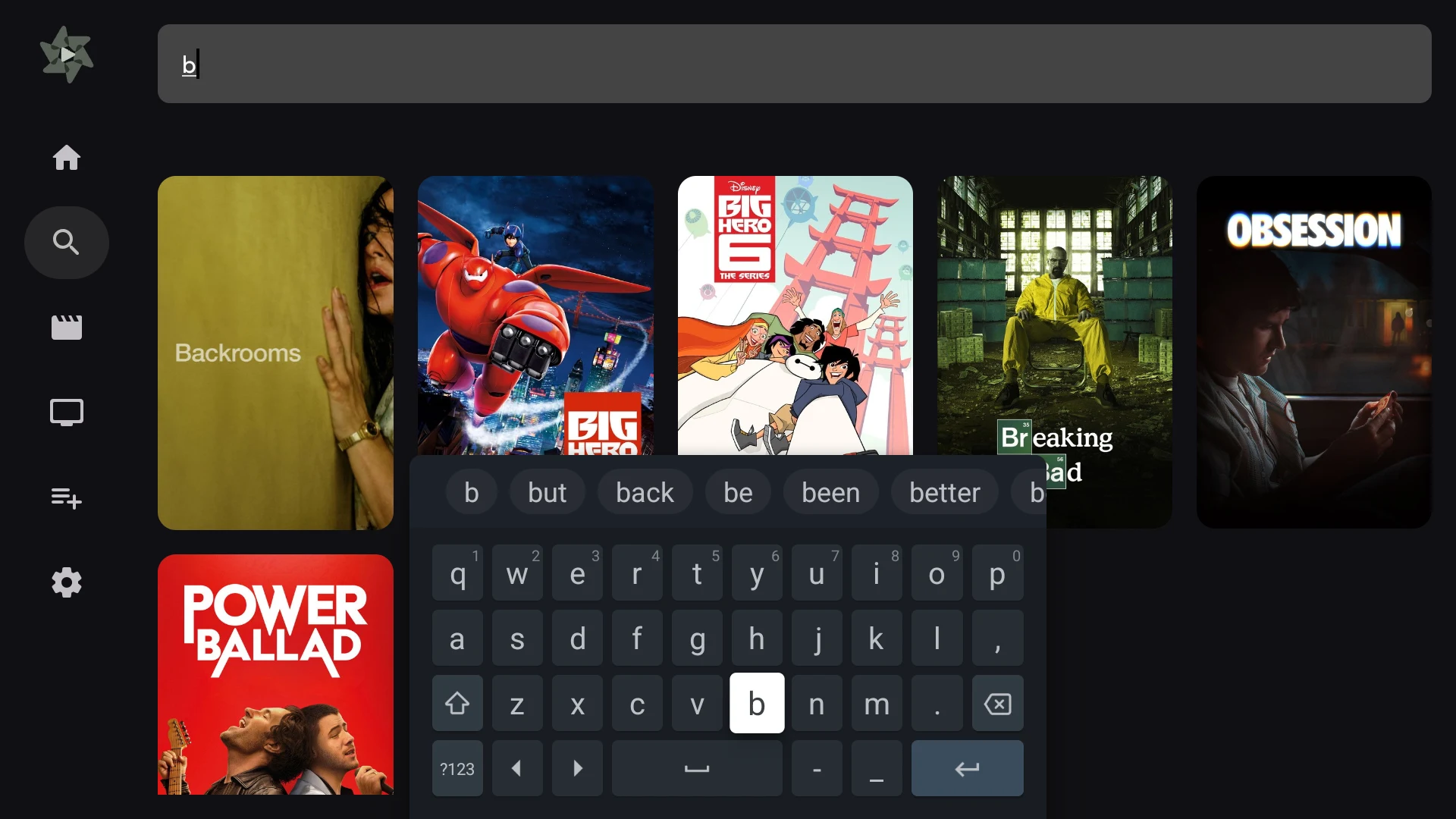
Aperture matches your local titles with TMDb metadata and artwork. Search your collection directly from the TV.

Your own films and series, on the big screen. A Material 3 Expressive player designed for Android TV.
Free and open source · Android TV 8.1+ · GitHub releases
The home screen
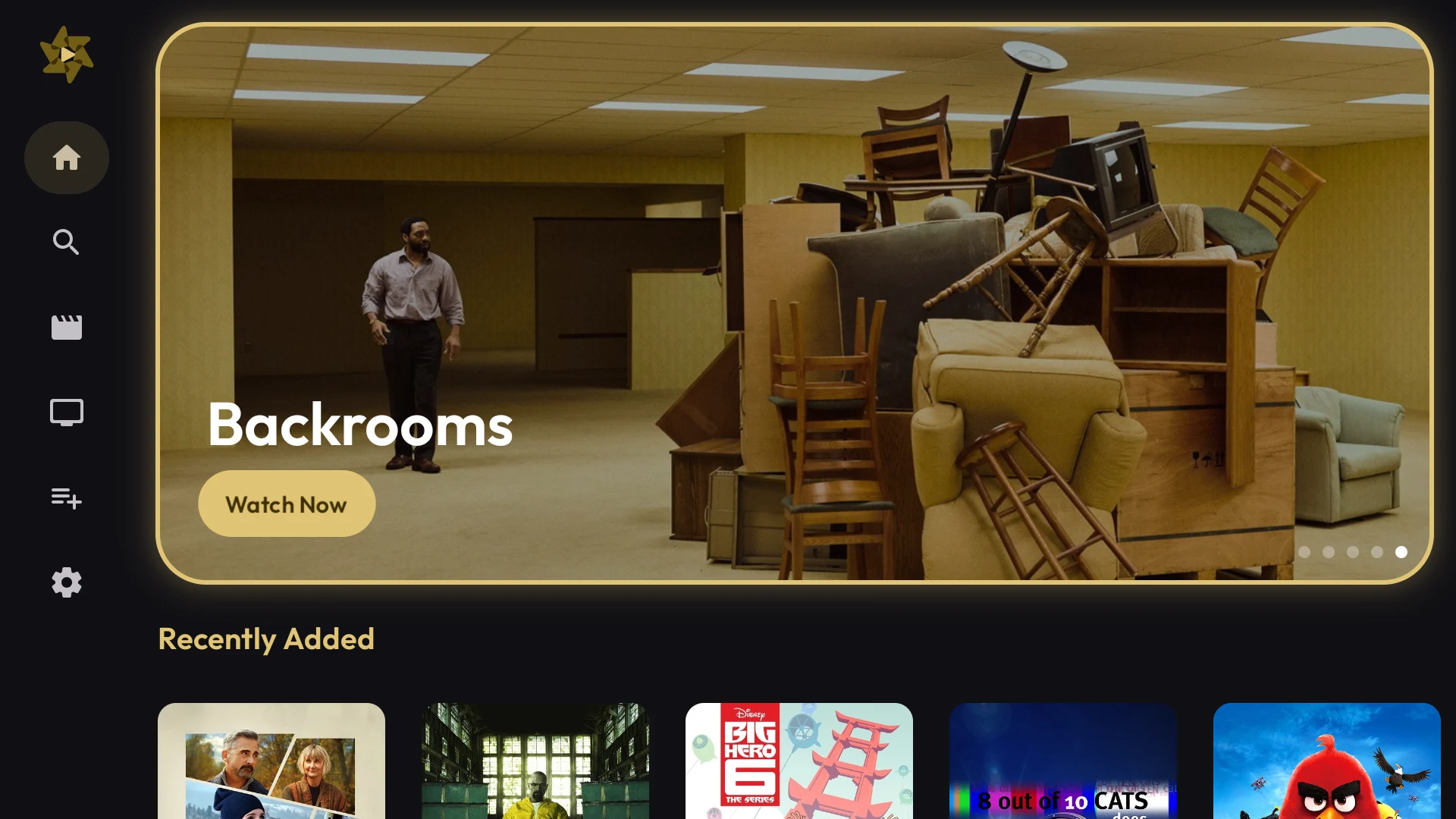
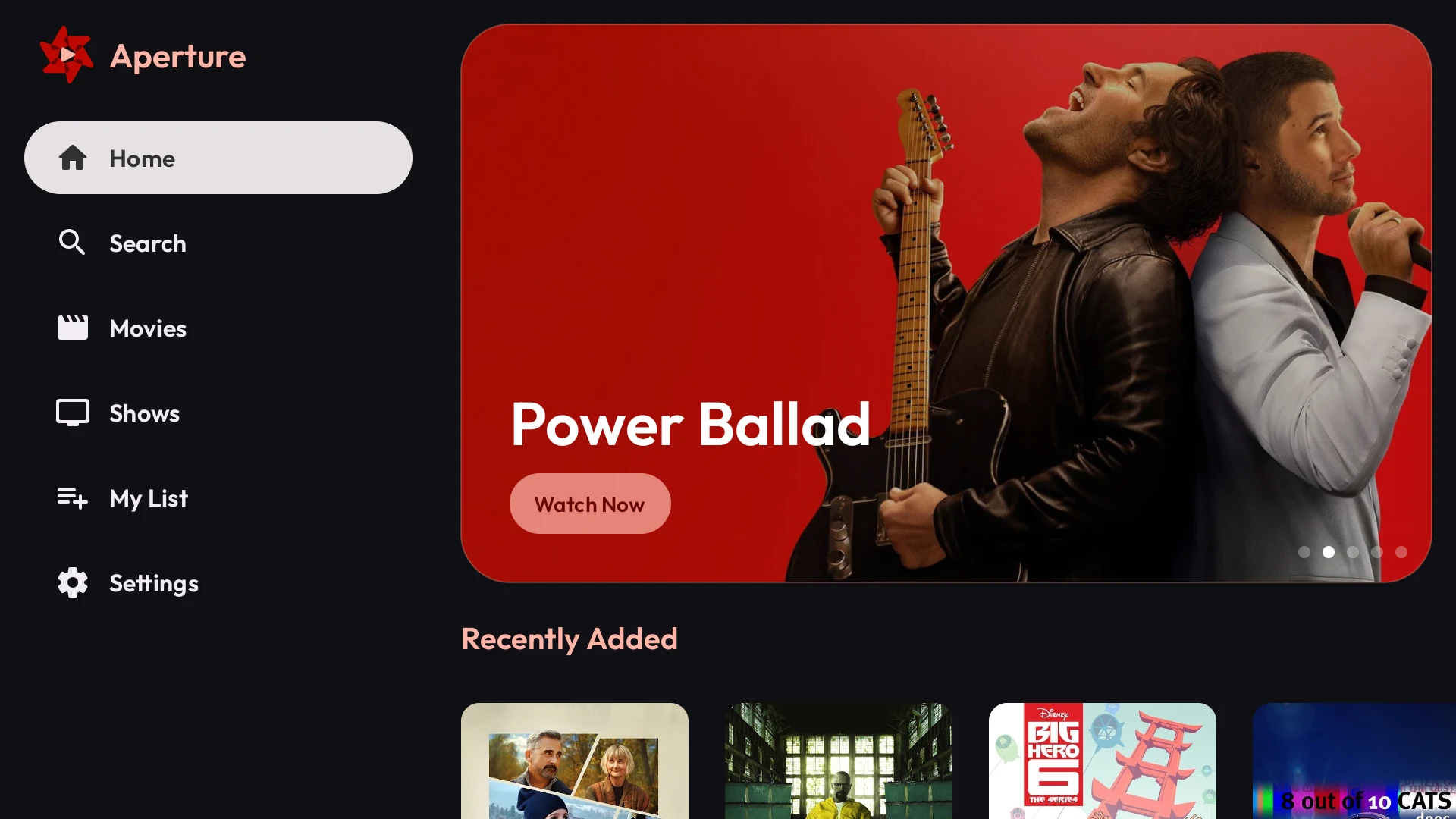
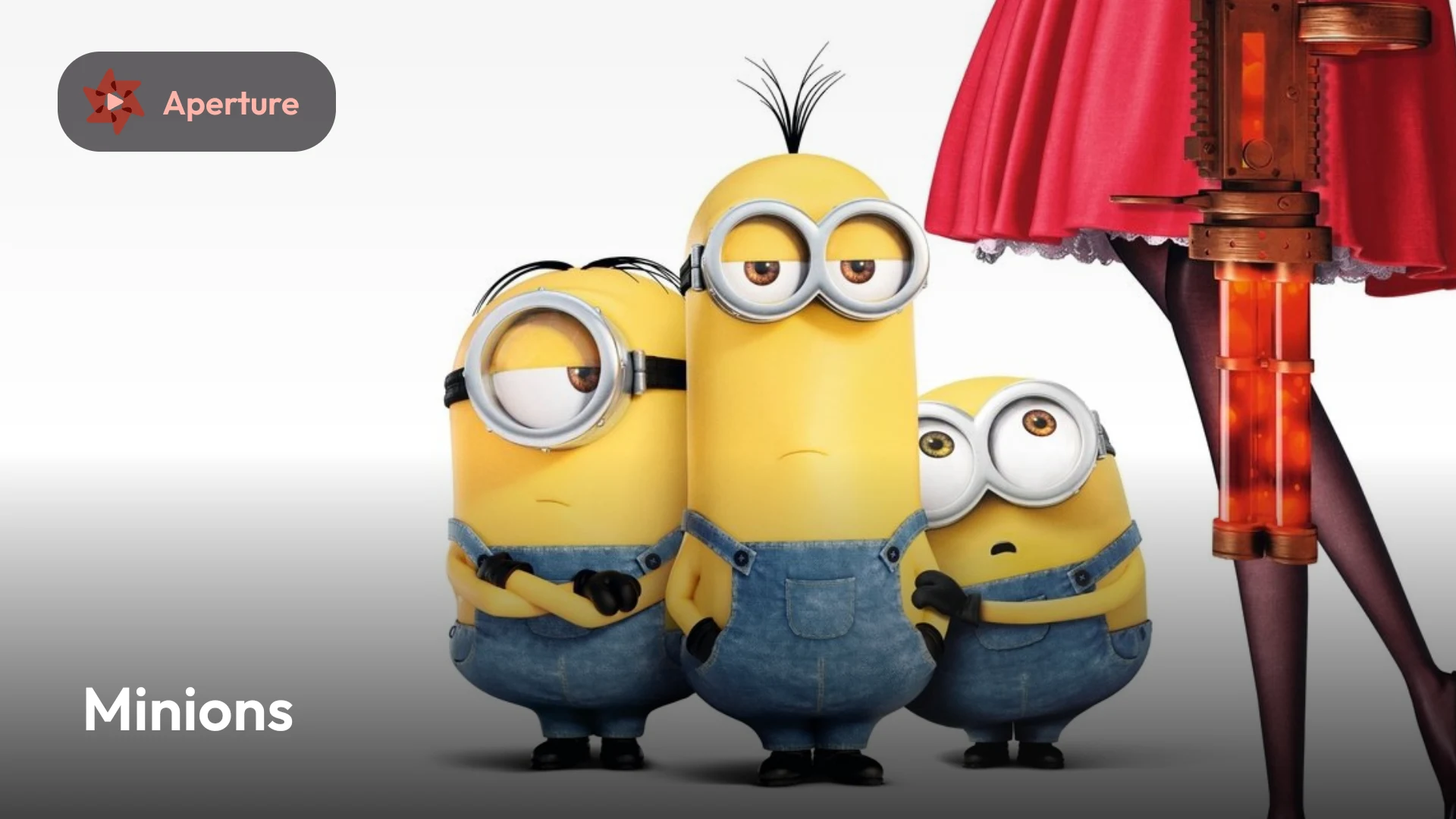
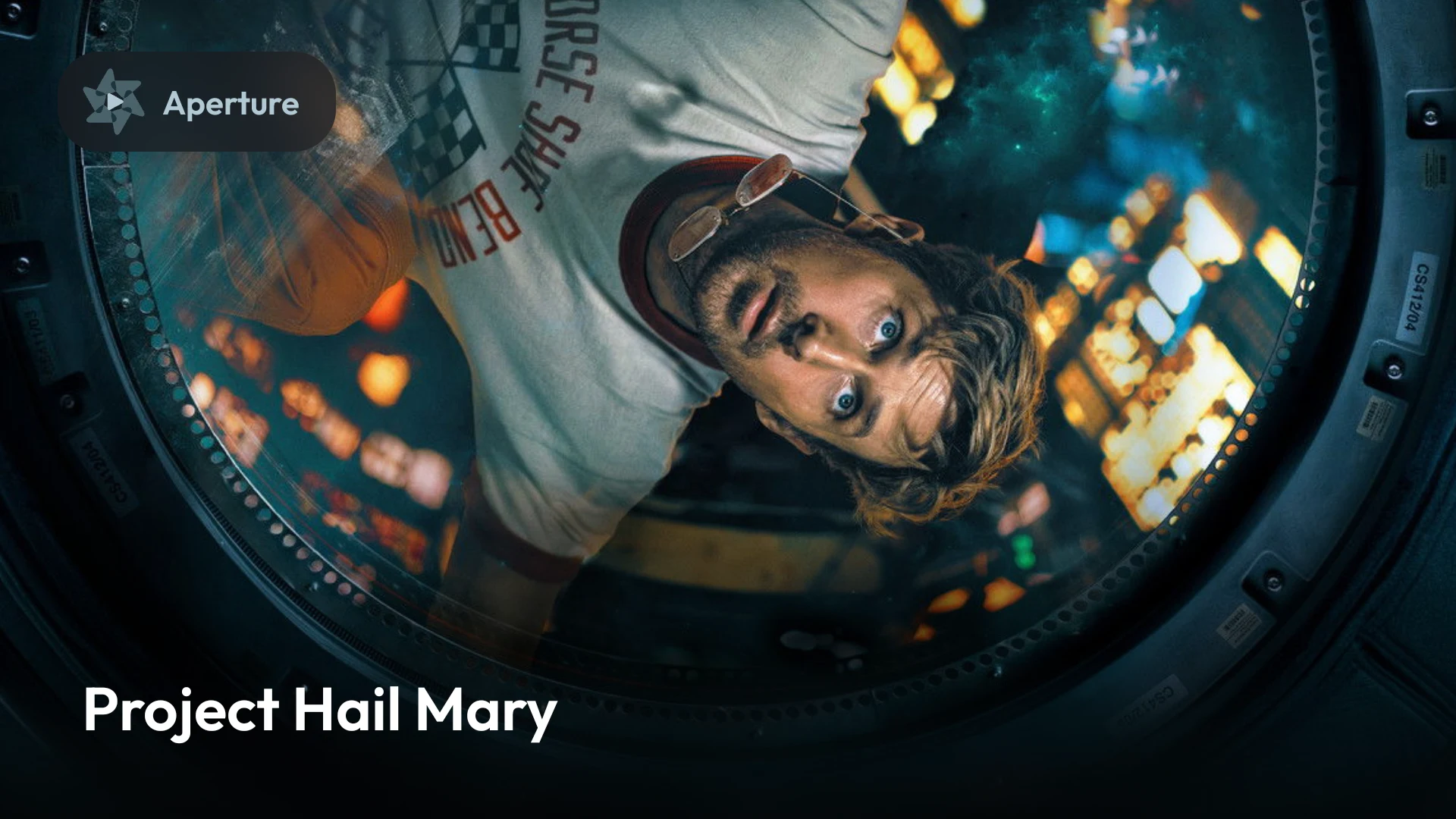
Spotlight puts your library’s artwork up front. See what you’ve added recently, find something to watch and pick up where you left off.
Browse, watch, resume
Browse your collection, check a title and carry on watching.
Aperture matches your local titles with TMDb metadata and artwork. Search your collection directly from the TV.
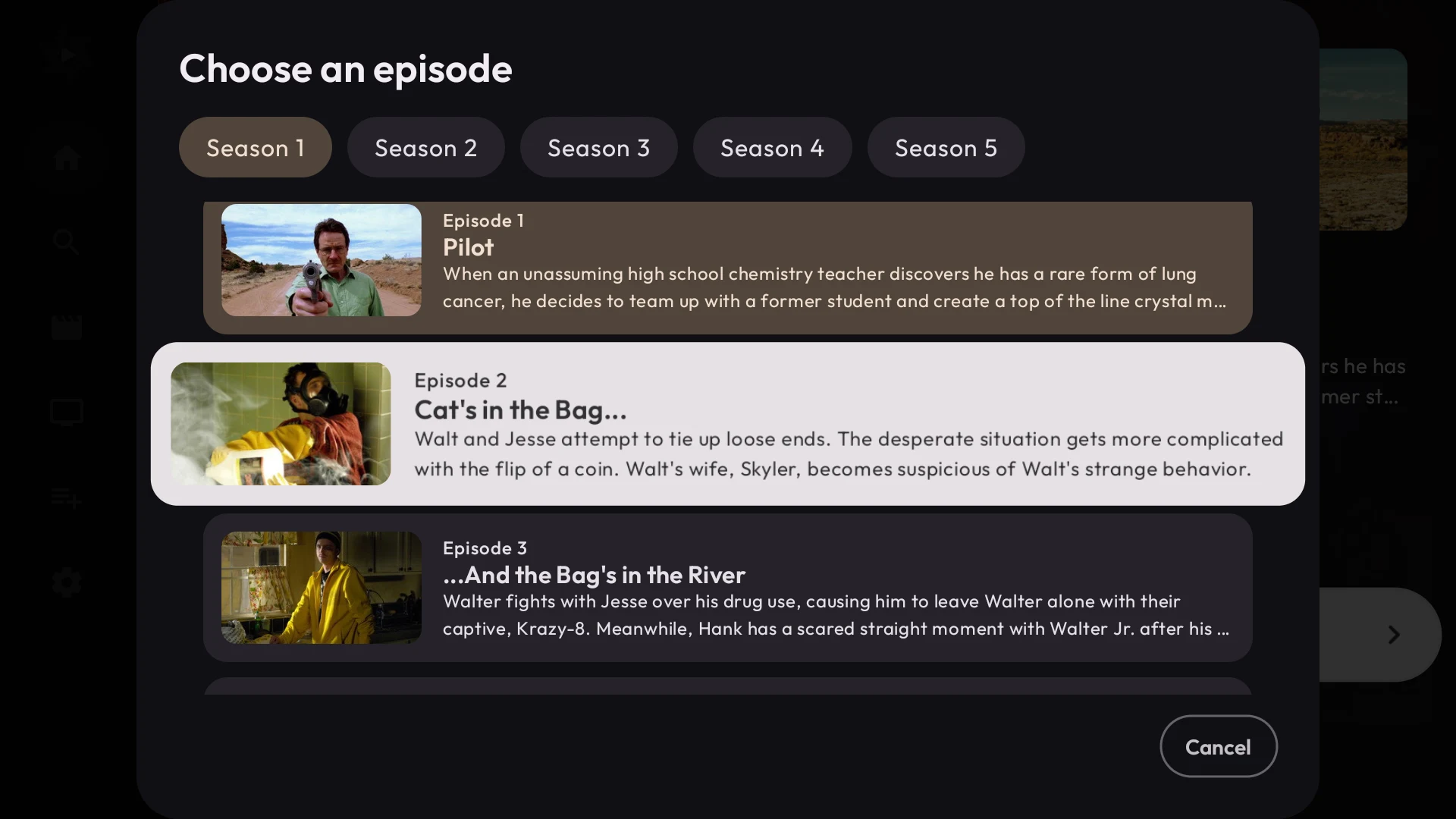
Choose a season and episode, resume a series and follow on to the next one.
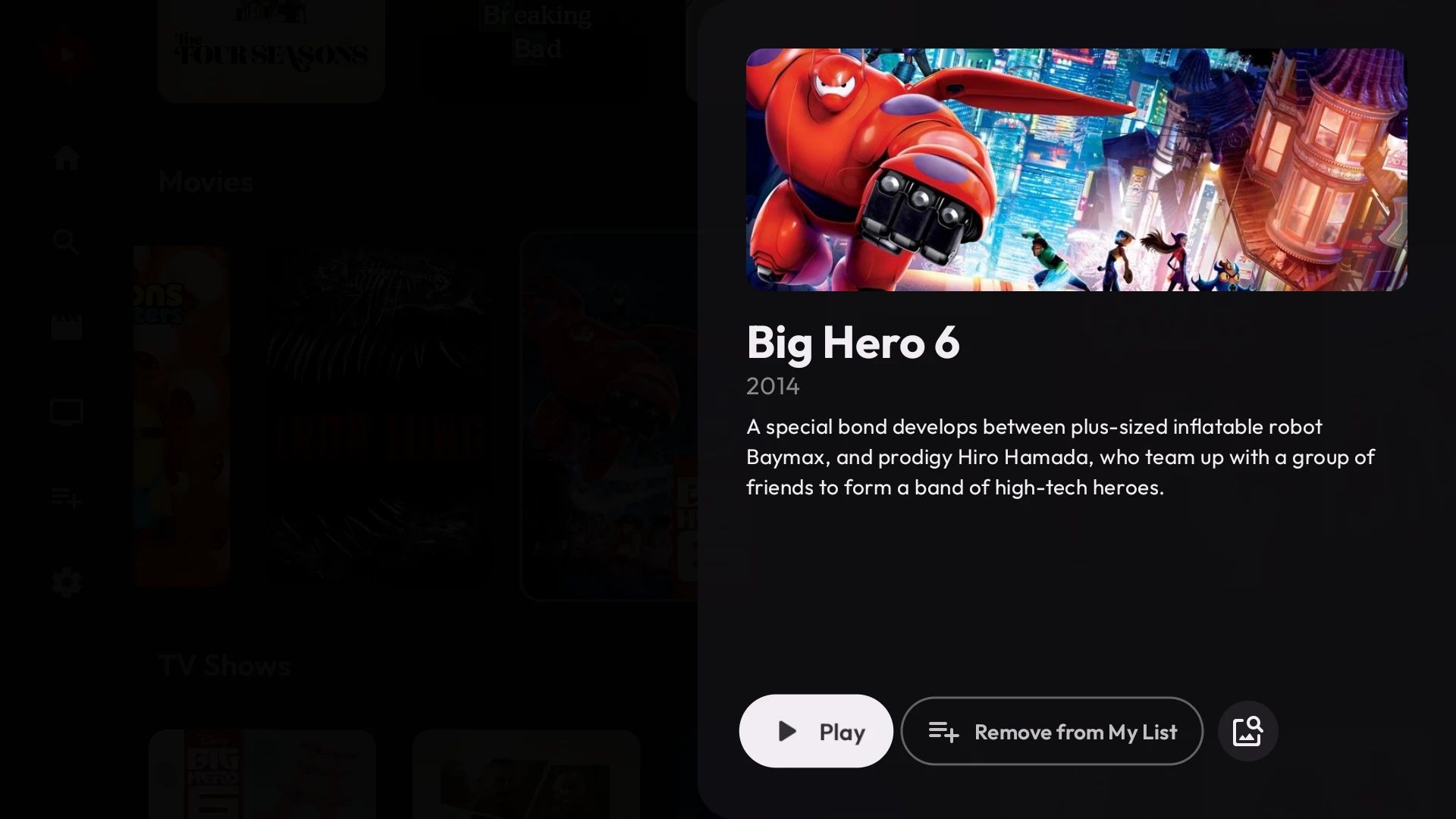
Read a synopsis, start playback or add a film or show to My List.
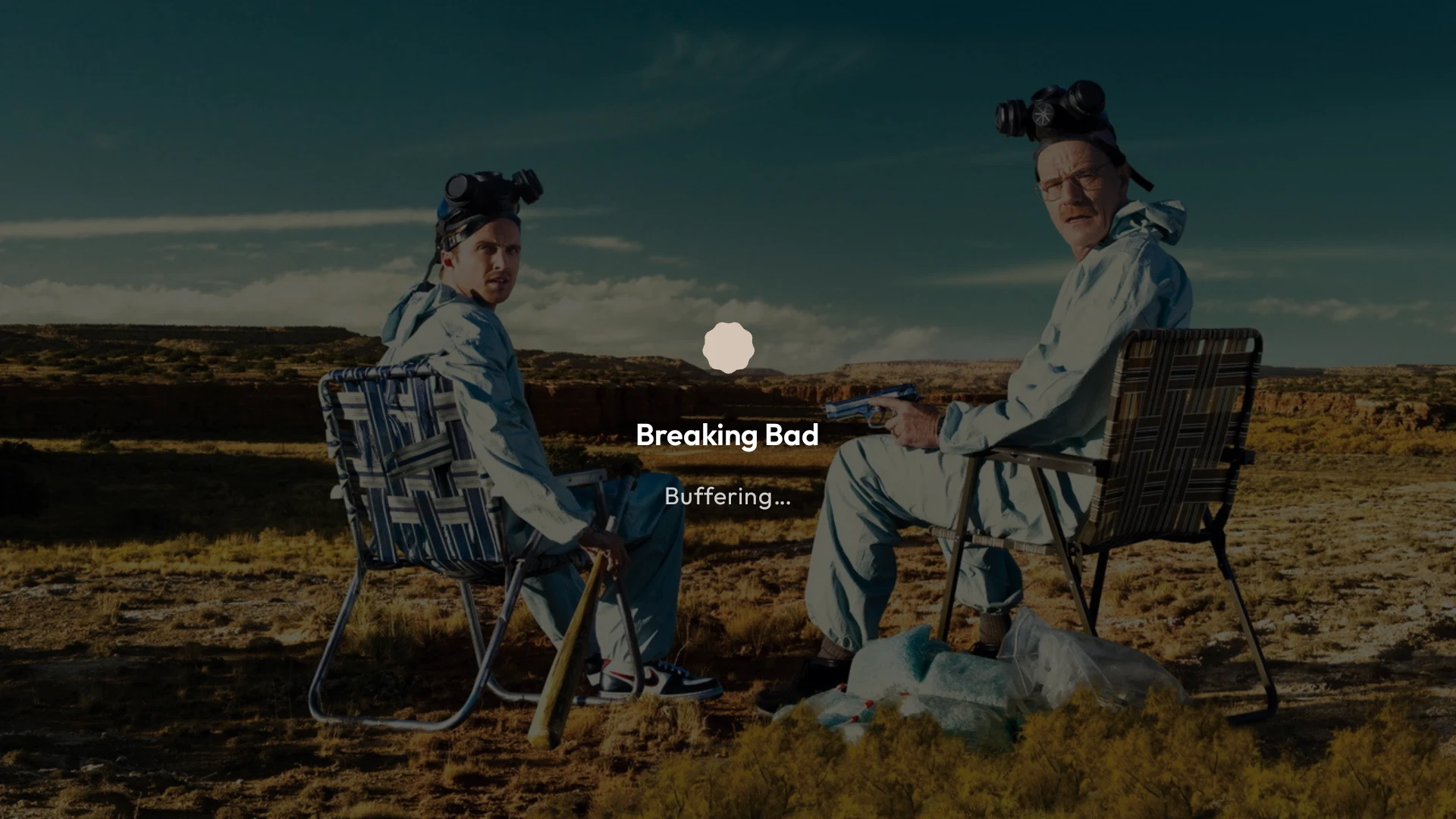
Media3 powers playback, with controls designed to be used from the sofa.
Select available subtitle tracks or search through OpenSubtitles.
Screenshots
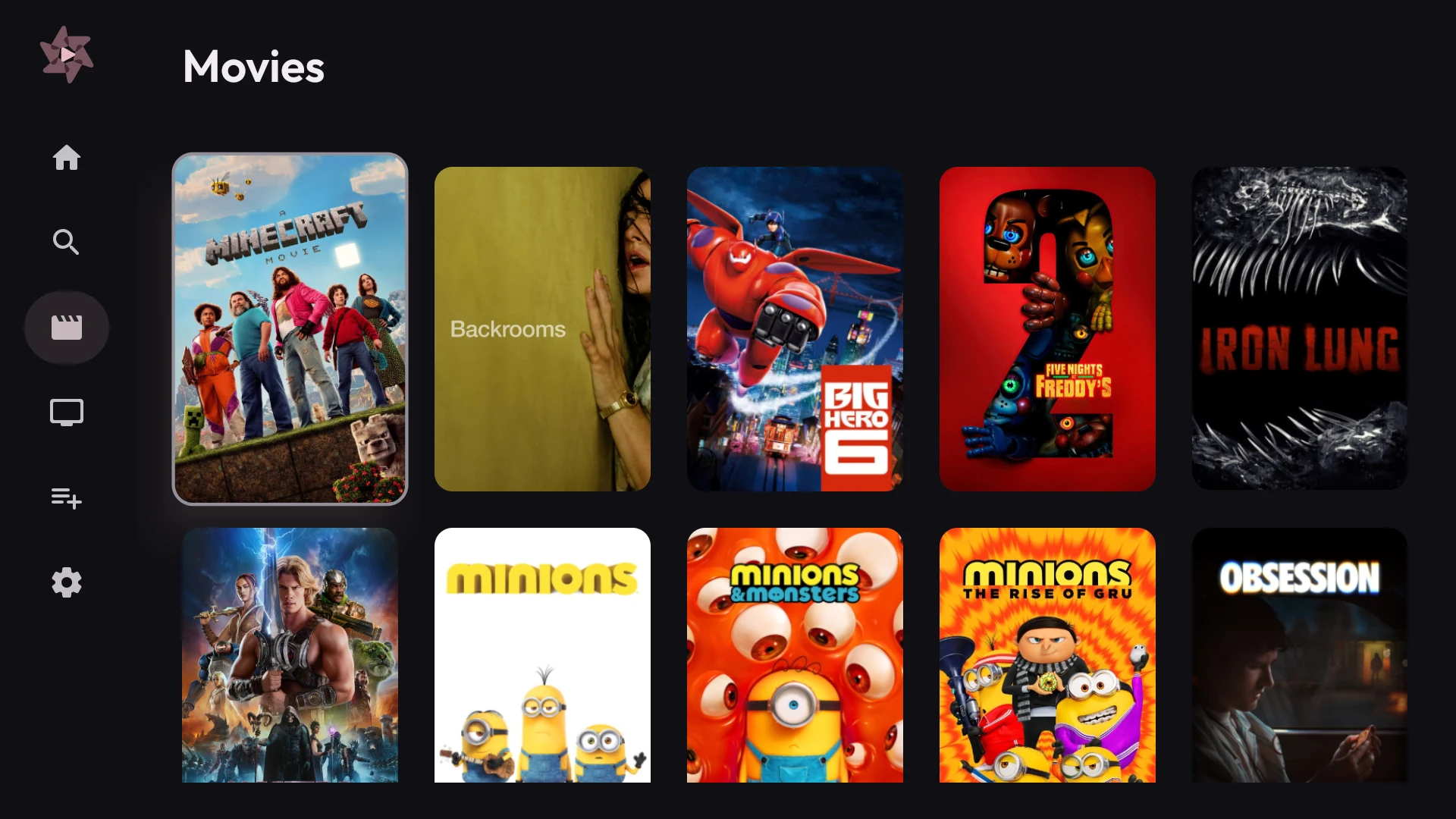
Take a look at Home, Movies, Search, Episodes and Details. These are screenshots from Aperture itself.
Spotlight and your library, built for the big screen.
Browse movie artwork and select a title with your remote.
Search your movies and shows with the on-screen keyboard.
Season and episode selection stays one remote press away.
Read a title’s synopsis, start playback or manage My List.
Remote navigation
On a TV, you should always know what you're selecting. Aperture uses clear focus states and smooth transitions to show where you are.
The sidebar keeps your destinations close. It expands when you need it and stays out of the way when you're browsing.
Material 3 Expressive
Aperture uses Material 3 Expressive shapes, colour and animation in an interface built specifically for television.
Aperture Purple is the default theme. Choose a different appearance during setup, with clear feedback as you move around the app.
Bring your own files
Aperture plays your own files from local or attached storage. It does not provide a streaming catalogue.
Add local or attached storage through Android’s folder picker.
Clean file names help Aperture recognise titles and find matching metadata and artwork.
Browse films and series, save favourites and start watching with your remote.
Before you install
Aperture targets Android TV and Google TV devices running Android 8.1 (API level 27) or newer.
Aperture uses Android's Storage Access Framework to securely access media on local and attached storage.
Download the Android TV APK from GitHub Releases and sideload it onto your TV. Aperture is currently distributed through GitHub.
No. Aperture is a player for media you already have on local or attached storage. It doesn't provide or sell streaming content.
Use separate Movies and TV Shows folders where possible, with clear file names. For shows, season folders and episode names such as S01E01 help recognition and matching.
Yes. Choose subtitle tracks in the player or search for subtitles with OpenSubtitles.
Not directly. Plex, Jellyfin and broader NAS integrations are being considered for the future. Aperture currently focuses on local and attached storage.
Free and open source
Download the APK from GitHub and install it on your Android TV or Google TV.
Android TV / Google TV · Android 8.1+ · Download via GitHub